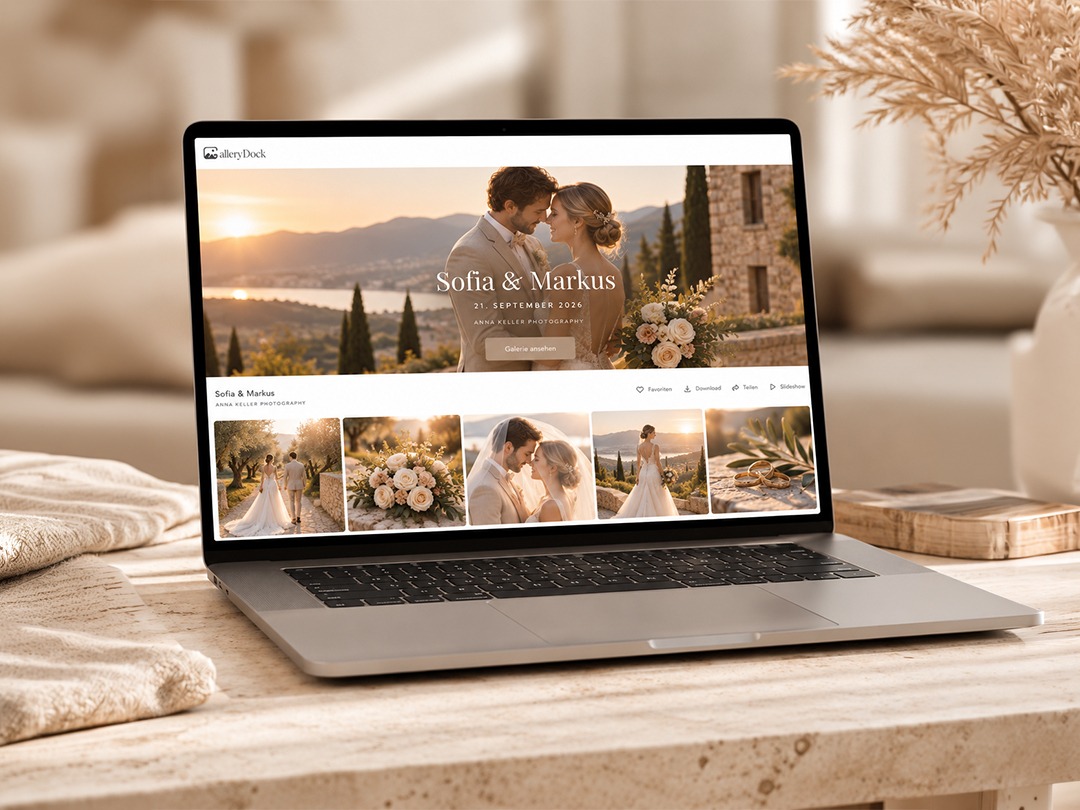
GalleryDock supports photographers managing the selection stage after corporate headshot and business portrait sessions. Clients can review photographs in an online gallery, mark favorites and leave comments beside individual images, giving photographers a practical way to collect decisions before completing the agreed editing work.
“After a corporate headshot session, photographers need to know exactly which portraits their clients want and what needs attention before retouching. With GalleryDock, clients can mark their favorites and leave comments directly beside each image, helping photographers turn that feedback into a clear brief for the next stage,” says Edmond Rätzel, founder of GalleryDock.
A company photoshoot may produce portraits for employee profiles, a recruitment page, presentations and professional social media accounts. The challenge is not simply sharing the photographs. It is understanding which image each person prefers, which pictures the company needs and what should happen next.
Give clients a specific selection task
An open request to “choose your favorites” can lead to uncertainty when several people are reviewing similar portraits. A more useful brief explains how many photographs should be selected and what they will be used for.
For example, a photographer might ask a company contact to confirm one primary portrait per employee, with an optional alternative where the package allows it. If additional retouched images cost extra, that should be explained before selection begins.
GalleryDock provides favorites and comments within the client gallery. The photographer can use these tools alongside clear instructions to distinguish a possible choice from the confirmed set for editing.
Keep feedback attached to the photograph
Comments such as “use the one with the blue background” become difficult to interpret when a session contains many similar frames. Image-specific feedback keeps the discussion connected to the photograph. A client can identify a preferred expression, explain the intended use or ask about a particular detail without relying on a separate description.
For corporate assignments, photographers should also agree who confirms the final selection. Employees may express personal preferences while a marketing contact checks consistency across the company’s website. Resolving those decisions before retouching helps establish a clear brief. GalleryDock organizes image feedback; responsibility for confirming the final decision remains with the people involved.
Consider the intended crop before final editing
A portrait selected for a square profile picture may also be needed in a wider website layout. Photographers should clarify these uses while reviewing the selection.
Useful questions include whether the company needs consistent backgrounds, matching head sizes or additional space around the subject. Asking these questions early can help avoid choosing a photograph that becomes unsuitable when cropped.
A practical handoff records the selected image, the intended use and any agreed finishing instructions. Clear filenames help the photographer match the client’s choices to the correct originals.
Prepare access for the right reviewers
Employee portraits should be shared with the intended audience. Photographers can configure password protection in GalleryDock and decide which photographs belong in each collection.
Where separate viewing is needed, prepare separate galleries rather than assuming every participant should see the complete assignment. A shared gallery password does not verify the identity of each person who uses it.
Before sending the link, test the client-facing view on a computer and phone. Check the instructions, visible photographs and download settings. The review stage should make it obvious what the customer needs to do next.