Berlin-based MarTech startup TrackFunnels has introduced a free Chrome extension that helps companies improve their GA4 reporting accuracy by excluding internal team visits without complex configuration. The extension launched earlier this year and is already used by more than 75 marketers to improve the accuracy of their Google Analytics 4 (GA4) reports.
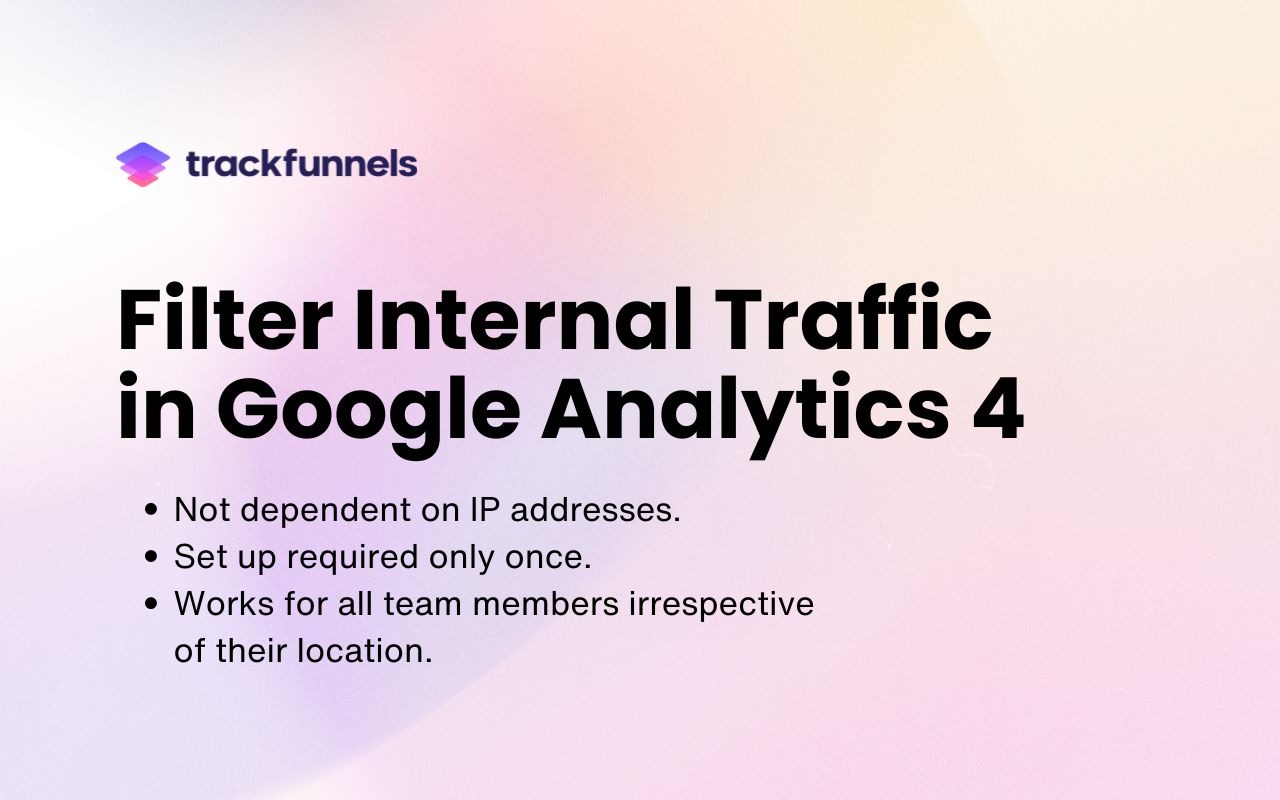
As remote work and dynamic IPs become the norm, traditional internal traffic filters in GA4 have become unreliable. The new TrackFunnels extension solves this by automatically appending a custom parameter (tt=internal) to outgoing GA4 requests on specified domains, ensuring internal visits are easily identified and excluded from reports — without relying on IP addresses.
“Accurate analytics data is the foundation of every smart marketing decision,” said Shadab Malik, Founder of TrackFunnels. “We built the GA4 Internal Traffic Filter to give marketers a simple, reliable way to maintain data integrity — no matter where their teams are working from.”
Unlike traditional IP-based filtering that breaks when teams move or switch networks, TrackFunnels’ Chrome extension allows businesses to define domains and subdomains where internal traffic should be flagged automatically. It supports both global and specific domain modes and works seamlessly even with Single Page Applications.
The extension has quickly gained traction among marketing teams and agencies who rely on clean analytics for campaign measurement and reporting. It has proven particularly useful during campaign launches, when internal testing activity can inflate reported traffic.
A 5-star user review shared:
“This extension has been a great addition to our analytics setup. With version 2, TrackFunnels made it even simpler with no extra GTM configuration needed. Just save your domains, apply the GA4 filter and everything works seamlessly, even with Single Page Applications. They provide amazing support and truly listen to user feedback. Highly recommended.”
The GA4 Internal Traffic Filter is available now for free on the Chrome Web Store.
A detailed walkthrough video is available on YouTube.
And here is a dedicated contact us page for support and guidance.